








Generator
Geschichte
KI-Grundrissgenerator
Änderungswerkzeug
Modell
Basic
Wechseln
Räume
Schlafzimmer
-
2
+
Badezimmer
-
1
+
Küche
offen
geschlossen
Bruttofläche
Einheit Metrisch
 imperial
Metrisch imperialBereich
< 50㎡
50-80㎡
80-100㎡
100-120㎡
120-150㎡
> 150㎡
Zusatzleistungen
Walk-in-Schrank
Waschküche
Lagerraum
Hauswirtschaftsraum
Homeoffice
Garage
Speisekammer
Wohn-Esszimmer-Kombination
Balkon

Unlock the Latest House Designs with Our AI Floor Plan Generator
Dreaming of a new home or renovation? Ideal House brings you the ultimate AI Floor Plan Generator, transforming your vision into stunning 2D layouts in seconds. Discover the latest house designs, customize every detail, and generate professional-grade architectural plans with unprecedented ease. Whether you're planning a cozy bungalow or a sprawling estate, our intuitive floor plan creator empowers you to explore countless possibilities and find your perfect living space planner solution.
Generate My Floor Plan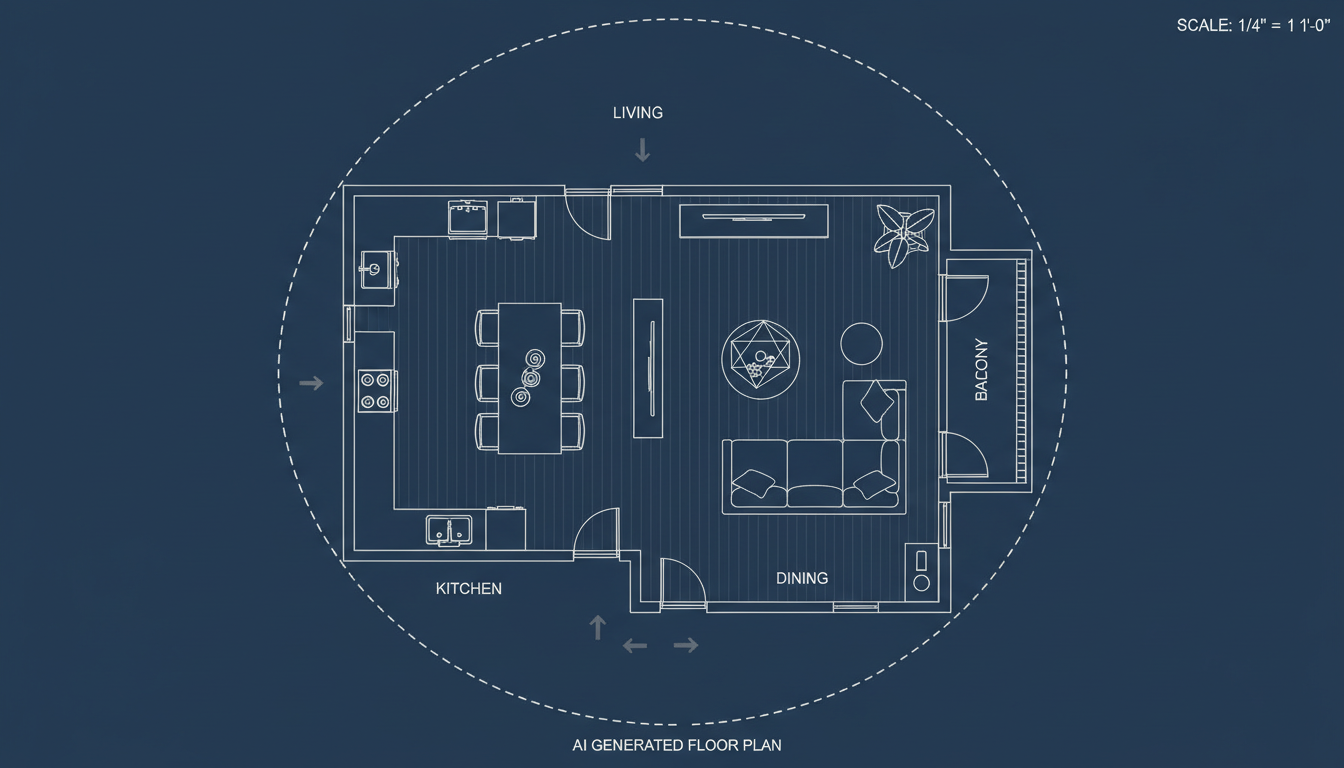


Why Ideal House is Your Go-To for Latest House Designs
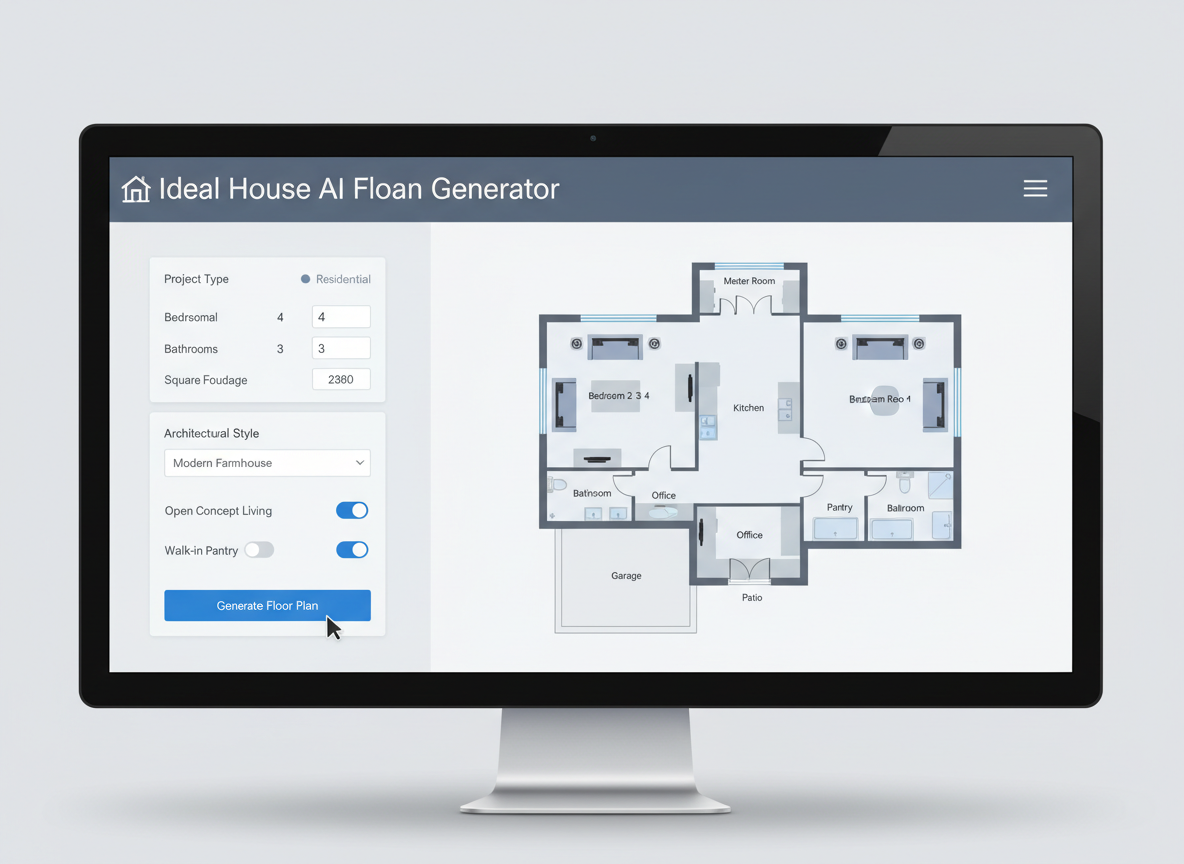
Instant 2D Layouts for Any Vision
Gone are the days of tedious manual drafting. Our AI Floor Plan Generator quickly produces clear, presentation-ready 2D floor plans based on your specifications. Input your desired number of bedrooms and bathrooms, choose an open or closed kitchen, and define your gross area. Instantly visualize diverse custom home layouts and compare the latest house designs without the wait.
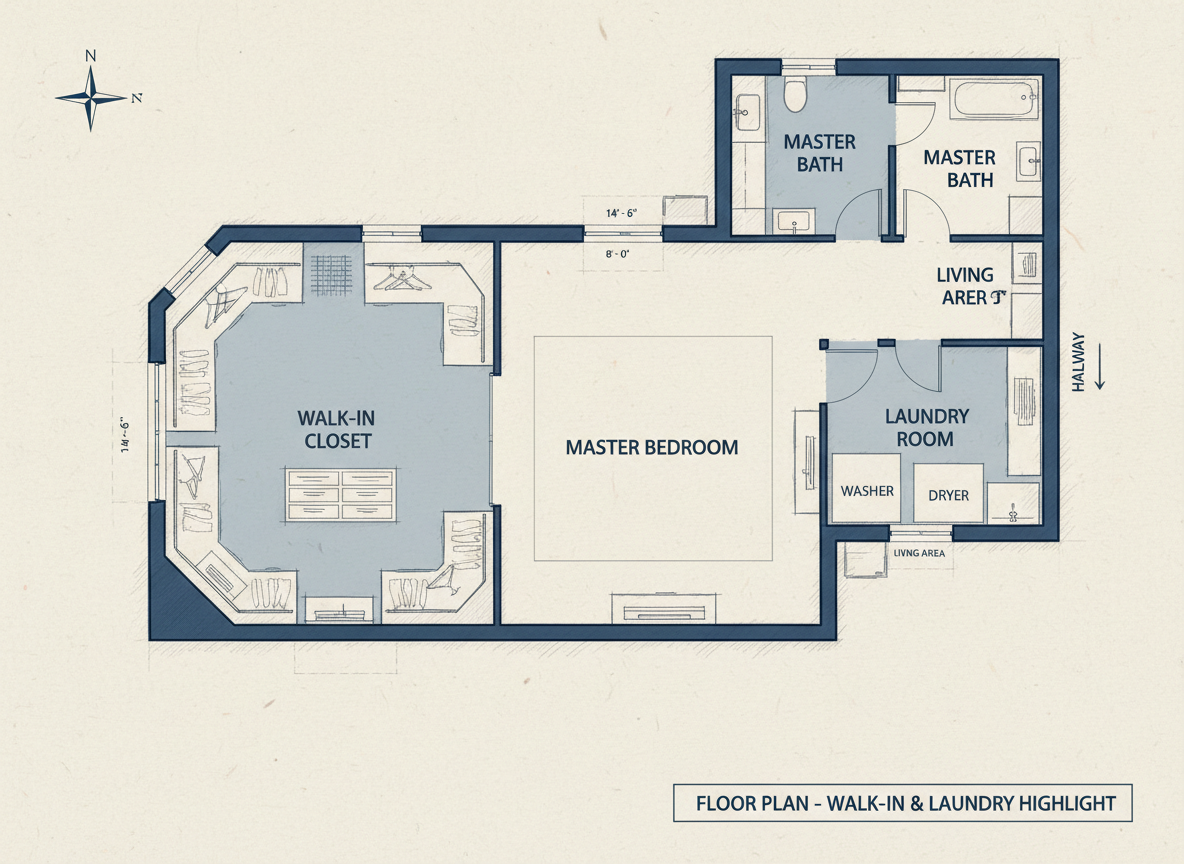
Parametric Design for Perfect Fit
Tailor your house plan generator experience with precise parameters. Adjust bedroom counts from 0-4, bathrooms from 1-3, and select your ideal gross area band. Add specific 'extras' like a walk-in closet, laundry room, or home office. This level of detail ensures your digital blueprints reflect your exact needs, helping you create truly personalized and latest house designs.
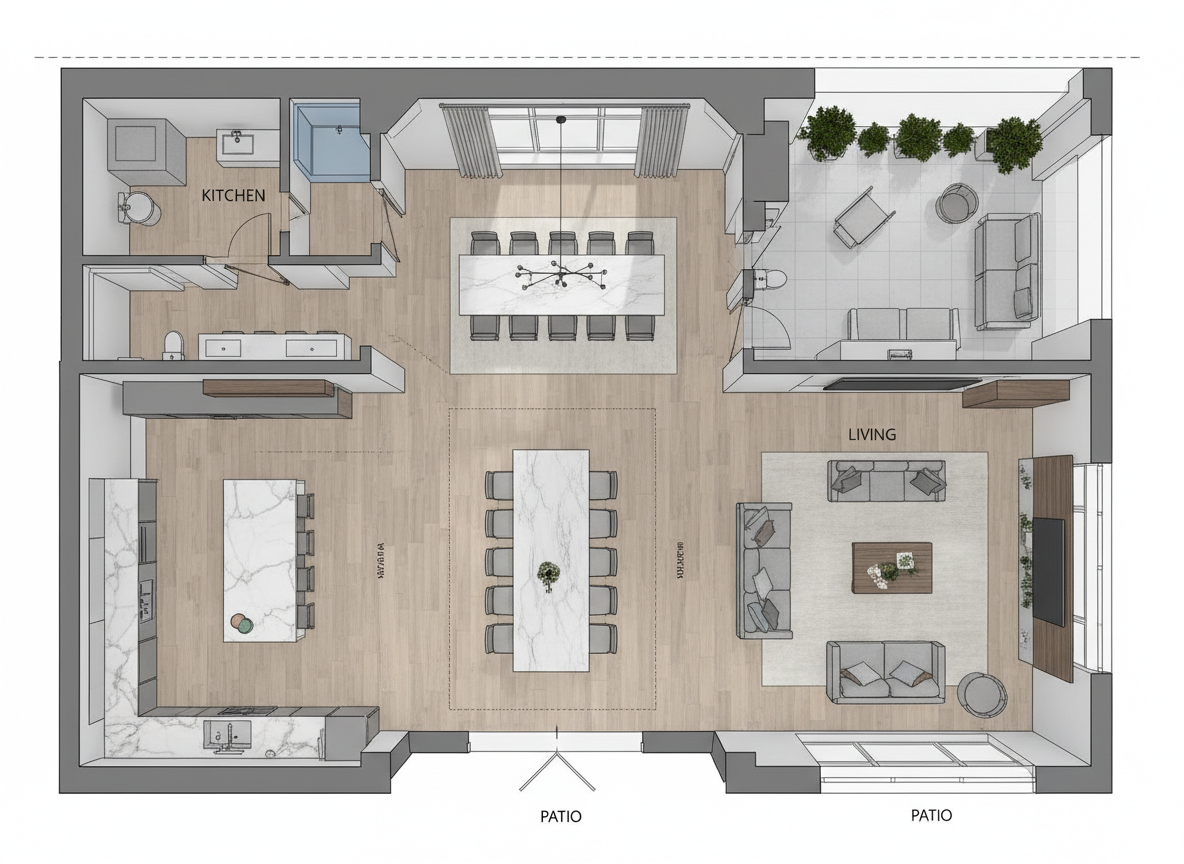
Smart Features for Optimal Flow
Our AI isn't just drawing lines; it's intelligently crafting living spaces. By incorporating features like a combined living-dining area, pantry, or balcony, the tool optimizes zoning and room relationships. Explore how different choices impact the flow and functionality of your property layout, ensuring your latest house designs are as practical as they are beautiful.
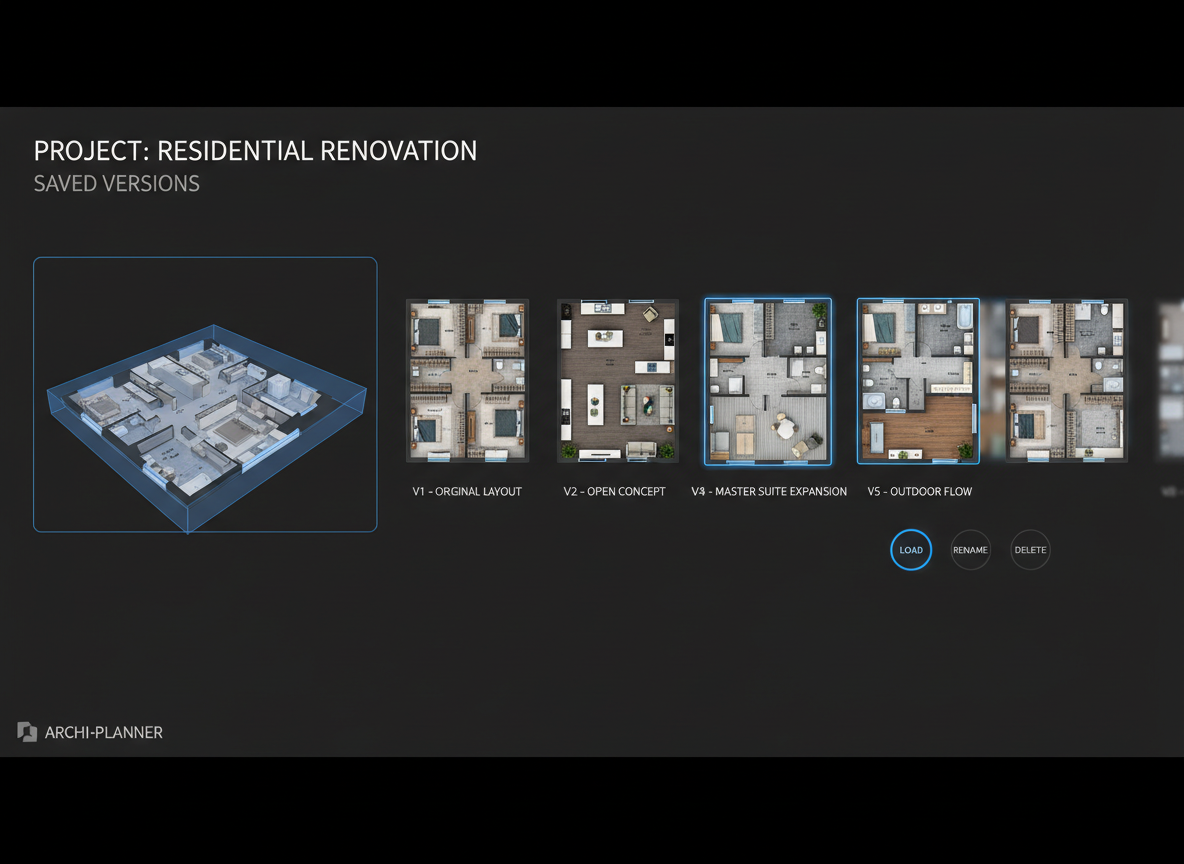
Save, Compare & Share with Ease
Every generated floor plan is saved in your history, allowing you to easily compare different iterations. Utilize filters and views to track your progress and pick the perfect architectural plans. Once satisfied, download your 2D layout tool results as an image or PDF, ready for sharing with clients, contractors, or for your real estate listings. This streamlines your decision-making for the latest house designs.

Who Benefits from Ideal House AI Floor Plan Generator?

Homeowners & DIY Planners: Experiment with different room configurations and envision your dream home renovation ideas with ease. Discover how open vs. closed kitchen concepts change your living experience.

Interior Designers & Decorators: Quickly generate diverse apartment floor plan concepts for client presentations. Iterate on designs live by adjusting parameters, showcasing the latest house designs to your clients.

Real Estate & Rentals: Create consistent, professional 2D real estate floor plans for listings, helping potential buyers or renters immediately understand the layout and flow of new home construction.

Contractors & Consultants: Translate verbal requirements into clear digital blueprints, aligning project scope and facilitating informed discussions with stakeholders. Plan efficient building design app concepts.

Your Guide to Generating Latest House Designs
1
Set Rooms: Begin by choosing the number of bedrooms (0–4; default 2) and bathrooms (1–3; default 1) for your ideal layout. This forms the foundation of your residential design software experience.
2
Choose Kitchen Style: Decide between an open or closed kitchen (default: open). See how this fundamental choice impacts the overall feel and connectivity of your living space planner.
3
Pick Gross Area: Select a gross area range that aligns with your target property size (e.g., <50㎡ to >150㎡). This guides the AI floor plan maker in creating proportionally accurate layouts, perfect for the latest house designs.
4
Add Extras: Enhance your floor plan with multi-select features like a walk-in closet, laundry room, home office, garage, pantry, combined living-dining, or balcony. These options allow for truly custom home layouts.
5
Generate & Review: Click 'Generate' and watch as your personalized 2D floor plan appears. Review results, tweak your selections, and regenerate to compare different versions. Every generation is a step closer to the latest house designs.
6
Download & Share: Export your chosen architectural plans as an image or PDF. Share your digital blueprints with clients, team members, or integrate them into your property listings.
Frequently Asked Questions about AI Floor Plan Generator
How does it turn my selections into a plan?
The AI floor plan generator interprets your choices for beds, baths, kitchen style, gross area, and extras. It then applies sophisticated algorithms and common architectural principles to draft clear, functional 2D floor plans. Each generation is a fresh concept, allowing you to explore numerous latest house designs by simply adjusting parameters.
What are the ranges and defaults for choices?
Bedrooms range from 0–4 (default 2), Bathrooms from 1–3 (default 1). Kitchen can be open or closed (default open). Gross Area offers various bands. Extras are multi-selectable, providing flexibility for your custom home layouts.
What does 'Gross Area' influence in the design?
The 'Gross Area' band is crucial. It guides the overall scale of your property layout, ensuring that rooms, corridors, and features are appropriately sized and positioned for that footprint. Choosing the closest band yields the most believable and practical latest house designs.
What's the difference between open vs. closed kitchen designs?
An open kitchen promotes a continuous sightline and flow, often integrating with living and dining areas, ideal for modern, social living. A closed kitchen creates a distinct, separate cooking zone. Both options enable diverse kitchen design tool applications for your latest house designs.
What do the 'Extras' achieve in the floor plan?
Extras like a walk-in closet, laundry room, or home office tell the AI floor plan maker which specific spaces to prioritize and how to strategically place them within your layout. For example, a pantry will be adjacent to the kitchen, enhancing the functionality of your digital blueprints.
Can I compare multiple generated versions?
Absolutely. Every floor plan you generate is automatically saved in your 'Generation History'. You can use the 'Created with AI Floorplan' filter and switch between grid and list views to easily review and compare side-by-side, helping you pick the best of the latest house designs.
How fast is the generation, and how are credits used?
Most floor plan generations are completed in mere seconds, providing instant visual feedback. Each click of the 'Generate' button consumes the credits displayed, and all results are conveniently stored for your review, making it an efficient virtual floorplanner.
Does Ideal House's AI Floor Plan Generator work on tablets?
Yes, our AI Floor Plan Generator is designed for cross-device compatibility. It runs seamlessly in your browser and offers a great user experience on both desktop and iPad. Your settings persist until you choose to change them, making it a flexible building design app.
Explore More Ideal House Design Tools

Photo Enhancer
Automatically improve the brightness, color, and clarity of your source photo for flawless staging.
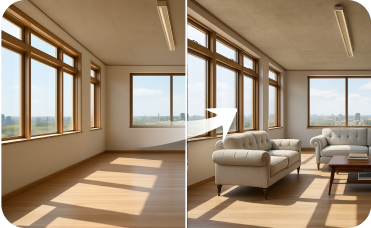
Virtual Staging
Stage empty rooms with perfectly matched American Industrial Chic furniture and decor to attract buyers.
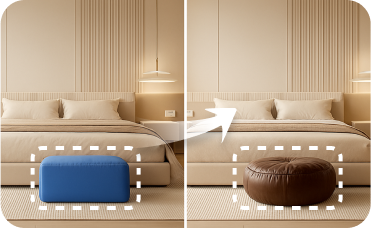
Smart Replacer
Swap specific objects in your photo, like changing a front door or adding new windows, with pinpoint accuracy.
Ready to Design Your Dream Space?
Generate clear, professional 2D floor plans in minutes with Ideal House and explore the latest house designs effortlessly.
Generate My Floor Plan
💰 Holen Sie sich 10% Provision als Partner von Ideal House.
Schließen Sie sich an